PostgreSQL과 연동
✒️ 2025-06-24 00:47 내용 수정
- 해당 연동 문서는 이미 다른 DB를 연결한 경험이 있거나 MVC Pattern, 데이터 객체에 대한 내용을 알고 있음을 전제로 간단하게 작성했다.
- 오라클과 연동에서 사용한 방법보다 더 간략한 DB 연동 방법이다.
JDBC 드라이버 다운로드
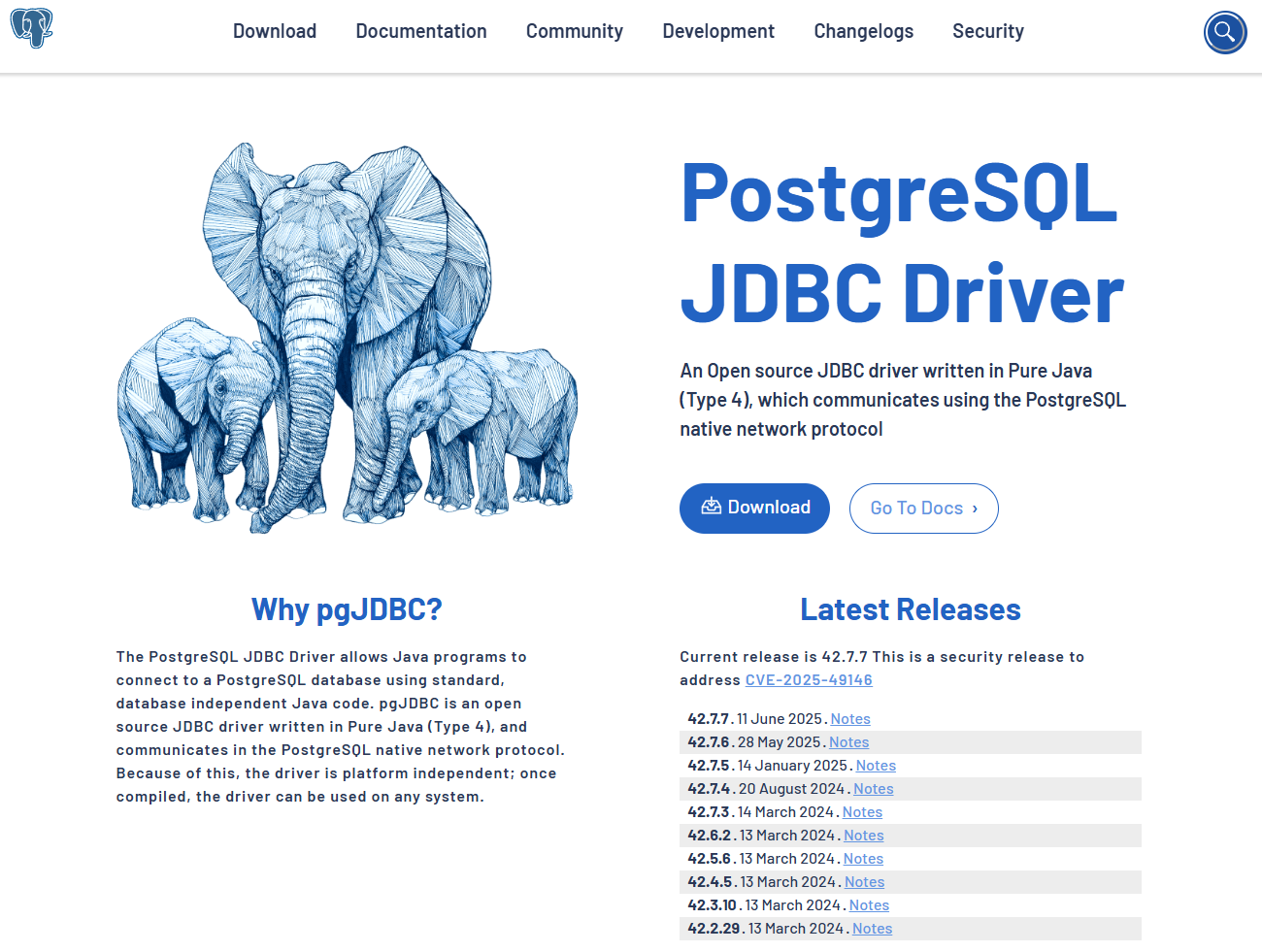
- https://jdbc.postgresql.org/ 에 접속하여 Download를 선택한다.
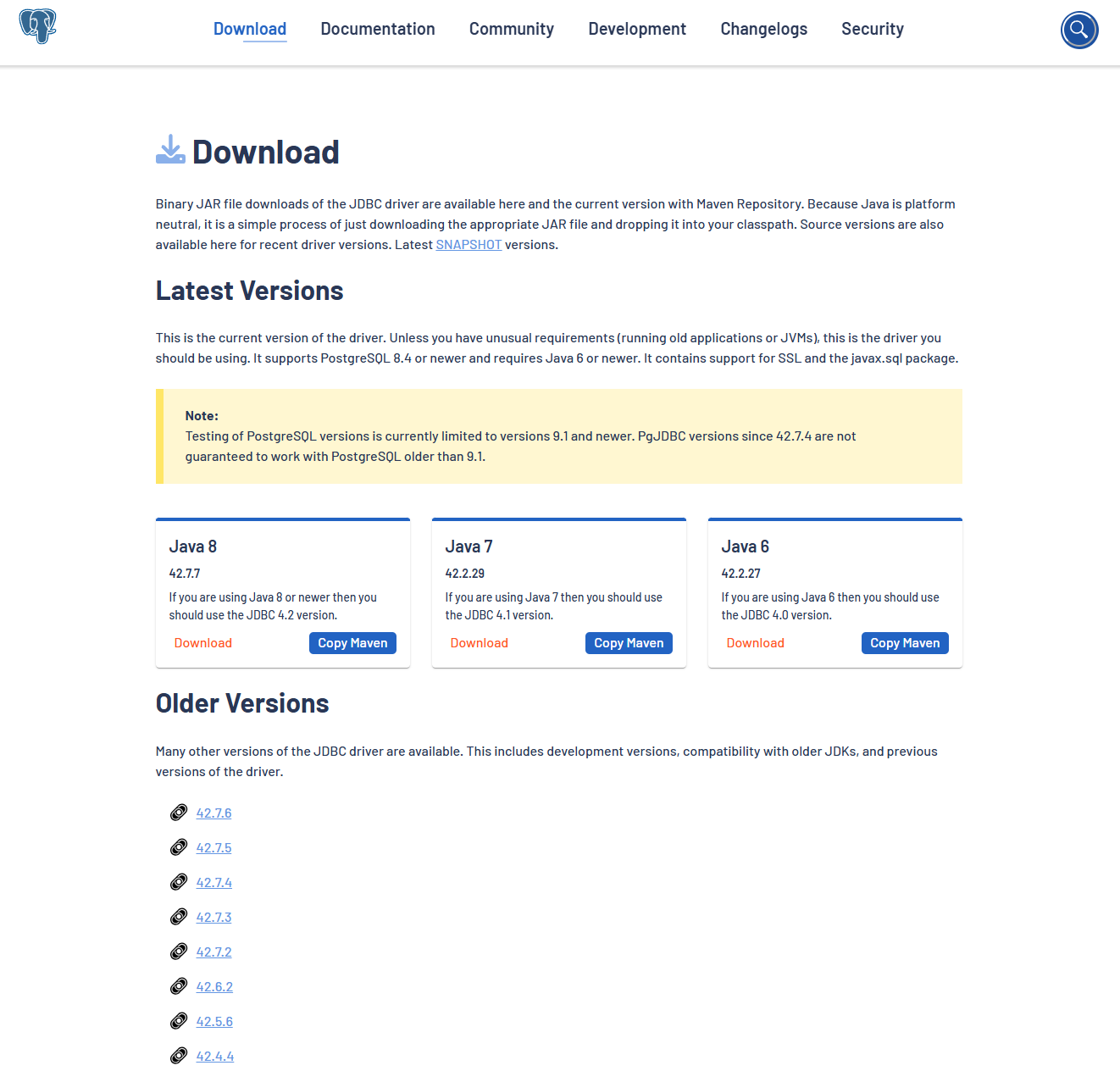
- 현재 사용하는 Java와 호환되는 버전으로 파일을 받거나 Maven 코드를 받는다.
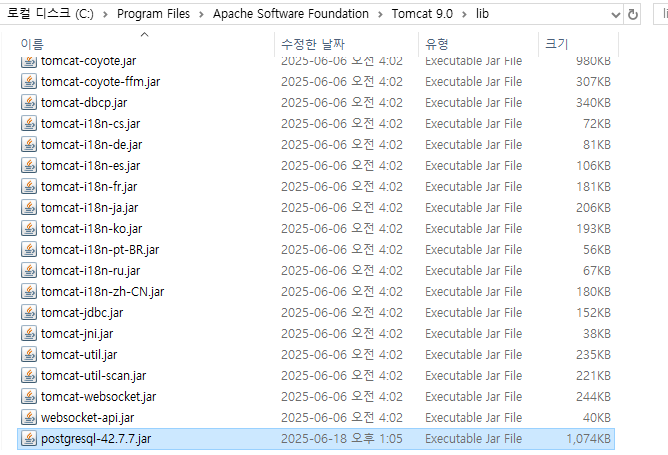
- 파일을 다운로드 했다면 Tomcat이 설치된 경로의
lib디렉터리에 파일을 넣는다.
DB 연결을 위한 클래스 설정
- 프로젝트에
util패키지를 추가하고,DBConnection클래스를 추가한다.
package util;

import java.sql.Connection;
import java.sql.DriverManager;
import java.sql.SQLException;

public class DBConnection {
	// 연결 대상
    private static final String URL = "jdbc:postgresql://localhost:5432/databasename";
    // 계정 이름
    private static final String USERNAME = "username"; // 기본 postgres
    // 계정 비밀번호
    private static final String PASSWORD = "mypassword";

	// Driver 클래스 탐색 및 로드
    static {
        try {
            Class.forName("org.postgresql.Driver");
        } catch (ClassNotFoundException e) {
            e.printStackTrace();
        }
    }

	// Connection 객체 생성 및 반환 클래스
    public static Connection getConnection() throws SQLException {
        return DriverManager.getConnection(URL, USERNAME, PASSWORD);
    }
}
- DB로부터 가져올 데이터를 저장할 클래스인 DTO 클래스를 만든다.
public class UserDTO {
	private String id;
	private String name;

	public UserDTO() {}
	public UserDTO(String id, String name) {
		this.id = id;
		this.name = name;
	}

	public void setId(String id) {this.id = id;}
	public String getId() {return this.id;}
	public void setName(String name) {this.name = name;}
	public String getName() {return this.name;}
}
- DB에 Query 작업을 직접 수행할 DAO 클래스를 만들고,
DBConnection클래스에서Connection객체를 가져와 CRUD 작업을 작성한다.
import java.sql.Connection;
import java.sql.PreparedStatement;
import java.sql.ResultSet;
import java.sql.SQLException;
import java.util.ArrayList;
import java.util.List;

import dto.Reservation;
import util.DBConnection;

public class UserDAO {
    private static UserDAO instance = new UserDAO();

    private UserDAO() {}

    public static UserDAO getInstance() {
        return instance;
    }

    // 사용자 목록 반환 (SQL Injection 방지)
    public List<UserDTO> getAllUsers() throws SQLException {
        List<UserDTO> users = new ArrayList<>();
        String sql = "SELECT id, name FROM users";

        try (Connection conn = DBConnection.getConnection();
             PreparedStatement pstmt = conn.prepareStatement(sql);
             ResultSet rs = pstmt.executeQuery()) {

			// query 수행 결과를 한 줄씩 읽어옴
            while (rs.next()) {
                UserDTO dto = new UserDTO();
                dto.setId(rs.getString("id"));
                dto.setName(rs.getString("name"));
                users.add(dto);
            }
        }

        return users;
    }

	// 사용자 추가
	public boolean addUser(UserDTO user) throws SQLException {
	    String sql = "INSERT INTO users (id, name) VALUES (?, ?)";

	    try (Connection conn = DBConnection.getConnection();
	         PreparedStatement pstmt = conn.prepareStatement(sql)) {

	        pstmt.setString(1, user.getId());
	        pstmt.setString(2, user.getName());

	        int result = pstmt.executeUpdate();
	        return result > 0;
	    }
	}

	// 사용자 수정
	public boolean updateUser(User user) throws SQLException {
	    String sql = "UPDATE users SET name = ? WHERE id = ?";

	    try (Connection conn = DBConnection.getConnection();
	         PreparedStatement pstmt = conn.prepareStatement(sql)) {

	        pstmt.setString(1, user.getName());
	        pstmt.setString(2, user.getId());

	        int result = pstmt.executeUpdate();
	        return result > 0;
	    }
	}

	// 사용자 제거
	public boolean deleteUser(int userId) throws SQLException {
	    String sql = "DELETE FROM users WHERE id = ?";

	    try (Connection conn = DBConnection.getConnection();
	         PreparedStatement pstmt = conn.prepareStatement(sql)) {

	        pstmt.setInt(1, userId);

	        int result = pstmt.executeUpdate();
	        return result > 0;
	    }
	}
}